
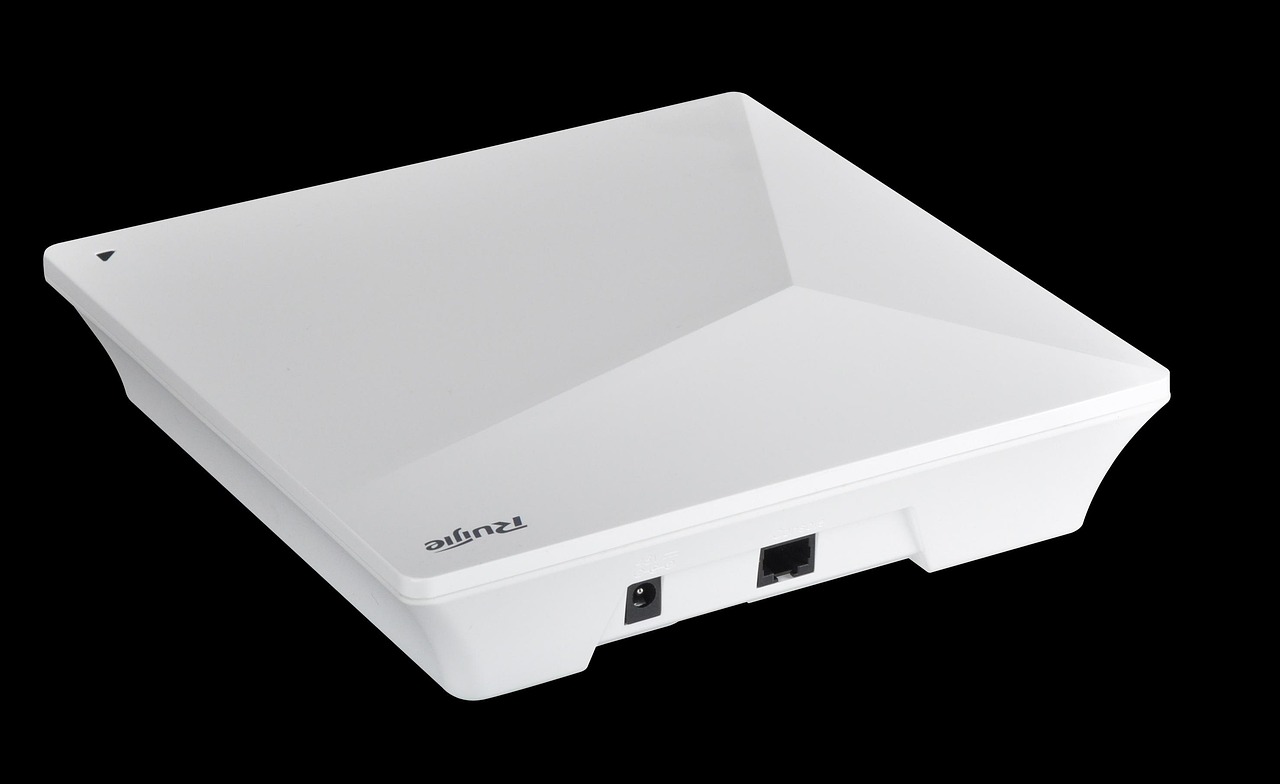
Boost Your Signal: Choosing the Right Wi-Fi Router
In today’s digitally saturated world, a robust and reliable Wi-Fi signal is no longer a luxury; it’s a necessity. From streaming high-definition movies and participating in video conferences to powering smart home devices and staying connected with loved ones, our reliance on seamless internet access is paramount. At the heart of this digital lifeline lies your Wi-Fi router. Yet, navigating the labyrinthine world of router specifications can feel overwhelming, leaving many users with subpar performance and frustrating dead zones. This comprehensive guide will equip you with the knowledge to cut through the jargon and select the Wi-Fi router that will truly boost your signal and enhance your online experience.
Understanding the Fundamentals: What Makes a Router Tick?
Before diving into specific features, it’s crucial to grasp the core components and concepts that define a router’s performance.
-
Wi-Fi Standards (802.11): This is the language your devices and router speak. Newer standards offer faster speeds, greater efficiency, and better handling of multiple devices. The most common are:
- 802.11ac (Wi-Fi 5): Still prevalent, offering good speeds for most home users.
- 802.11ax (Wi-Fi 6): The current mainstream standard, significantly improving speed, capacity, and efficiency, especially in crowded environments.
- 802.11be (Wi-Fi 7): The upcoming standard, promising revolutionary speeds and lower latency. While not widely available yet, consider future-proofing if your budget allows.
-
Frequency Bands: Routers operate on different radio frequencies to transmit data.
- 2.4 GHz: Offers a wider range and better penetration through walls but is slower and more prone to interference from other devices (microwaves, Bluetooth).
- 5 GHz: Provides faster speeds and less interference but has a shorter range.
- 6 GHz (Wi-Fi 6E and Wi-Fi 7): Offers even faster speeds and significantly less interference, but its range is the shortest.
-
Dual-Band vs. Tri-Band vs. Quad-Band:
- Dual-Band: Offers both 2.4 GHz and 5 GHz bands, allowing devices to connect to the most suitable band.
- Tri-Band: Adds an additional 5 GHz band or a 6 GHz band (Wi-Fi 6E/7), providing more capacity and reducing congestion.
- Quad-Band: Offers even more bands, typically two 5 GHz and one 6 GHz, catering to extremely demanding environments.
-
MU-MIMO (Multi-User, Multiple Input, Multiple Output): This technology allows the router to communicate with multiple devices simultaneously, rather than sequentially. It significantly improves performance when many devices are connected.
-
OFDMA (Orthogonal Frequency-Division Multiple Access): A key feature of Wi-Fi 6, OFDMA divides a Wi-Fi channel into smaller sub-channels, allowing the router to communicate with multiple devices more efficiently and reduce latency.
-
Beamforming: This intelligent technology directs Wi-Fi signals directly towards connected devices, rather than broadcasting them in all directions. This strengthens the signal and improves range and reliability.
-
Antennas: The number and type of antennas influence signal strength and coverage. External antennas are generally more effective than internal ones.
Assessing Your Needs: The Foundation of Smart Selection
Before you get lost in technical specifications, take a moment to honestly assess your household’s internet usage and needs. This will guide your decision-making process and prevent overspending or under-equipping.
-
Internet Service Provider (ISP) Speed: Your router can only deliver speeds up to what your ISP provides. If you have a 100 Mbps plan, a router capable of 2000 Mbps is overkill for internet speed alone, though it might offer other benefits. However, if you have gigabit internet, you’ll need a router that can handle those speeds.
-
Home Size and Layout: A sprawling mansion with thick walls will require a router with a more robust range and potentially a mesh system compared to a compact apartment. Consider the placement of your router and any potential signal obstructions.
-
Number of Connected Devices: The more devices you have streaming, gaming, or actively using the internet simultaneously, the more capacity your router needs. Think smartphones, tablets, laptops, smart TVs, gaming consoles, smart speakers, security cameras, and smart appliances.
-
Primary Usage:
- Streaming & Entertainment: High-definition (4K/8K) streaming, online gaming, and virtual reality demand high bandwidth and low latency.
- Work from Home: Reliable connections for video conferencing, large file transfers, and cloud-based applications are crucial.
- Smart Home Enthusiasts: A growing ecosystem of smart devices requires a router that can handle numerous connections without compromising performance.
- Basic Browsing & Email: For lighter usage, a less powerful router might suffice.
Key Router Features to Prioritize for Optimal Performance:
Once you’ve defined your needs, focus on these critical features when evaluating routers:
-
Wi-Fi Standard (Future-Proofing): While 802.11ac is adequate for many, investing in Wi-Fi 6 (802.11ax) is highly recommended for future-proofing. It offers a significant leap in performance, especially with multiple devices. If your budget allows and you’re aiming for cutting-edge technology, consider Wi-Fi 6E which adds the 6 GHz band for even less congestion.
-
Speed Ratings (Aggregate Throughput): Router specifications often list theoretical maximum speeds (e.g., AC1900, AX3000). These numbers represent the combined theoretical speeds across all bands. A higher number generally indicates a more powerful router. For example, an AX3000 router typically offers around 3000 Mbps of aggregate wireless throughput (e.g., 574 Mbps on 2.4 GHz + 2402 Mbps on 5 GHz). Ensure the router’s speed can at least match your ISP’s plan, with some headroom for future upgrades and multiple devices.
-
Processor and RAM: Similar to computers, a more powerful processor and ample RAM allow the router to handle more data, manage more devices, and perform tasks more efficiently. Look for routers with dual-core or quad-core processors and at least 256 MB of RAM, with 512 MB or more being ideal for high-performance needs.
-
MU-MIMO and OFDMA: These are essential for smooth performance in multi-device households. Ensure the router supports MU-MIMO on both the uplink and downlink for optimal efficiency. OFDMA is a hallmark of Wi-Fi 6 and a significant performance booster.
-
Beamforming: This technology is crucial for extending your Wi-Fi range and improving signal strength to individual devices. Look for routers that explicitly mention universal or explicit beamforming.
-
Antenna Configuration: While internal antennas are common for aesthetic reasons, external, adjustable antennas generally offer better signal dispersion and coverage. The number of antennas can also play a role; more antennas often mean better performance.
-
Ethernet Ports: Most routers come with several Gigabit Ethernet ports for wired connections. Ensure you have enough ports for your wired devices (gaming consoles, smart TVs, desktop computers). Some routers offer faster 2.5 Gbps or even 10 Gbps Ethernet ports, which are beneficial for high-speed internet connections and demanding wired devices.
-
Mesh Wi-Fi Systems: For larger homes or areas with persistent dead zones, a mesh Wi-Fi system is often the ideal solution. These systems consist of a main router and satellite nodes that work together to create a single, seamless Wi-Fi network throughout your home. They offer superior coverage and performance compared to traditional range extenders.
Navigating the Router Landscape: Types and Considerations
-
Standalone Routers: The traditional choice, offering a single unit to broadcast your Wi-Fi signal. Suitable for smaller to medium-sized homes.
-
Mesh Wi-Fi Systems: As mentioned, these are excellent for larger homes or complex layouts. They offer a unified network, easy setup, and intelligent roaming for devices.
-
Gaming Routers: These are specifically designed for gamers, often featuring advanced Quality of Service (QoS) settings to prioritize gaming traffic, faster processors, and dedicated gaming ports.
-
Smart Home Routers: Some routers are optimized for smart home ecosystems, offering enhanced security features and better management of a large number of connected IoT devices.
Advanced Features to Consider:
-
Quality of Service (QoS): Allows you to prioritize certain devices or applications over others. Essential for ensuring smooth streaming or gaming even when other devices are active.
-
Parental Controls: Many routers offer built-in parental controls to manage internet access for children, set time limits, and block specific websites.
-
Guest Network: A separate network for visitors, keeping your main network secure.
-
VPN Support: For users who want to encrypt their internet traffic and access geo-restricted content.
-
USB Ports: Some routers have USB ports that can be used for network-attached storage