
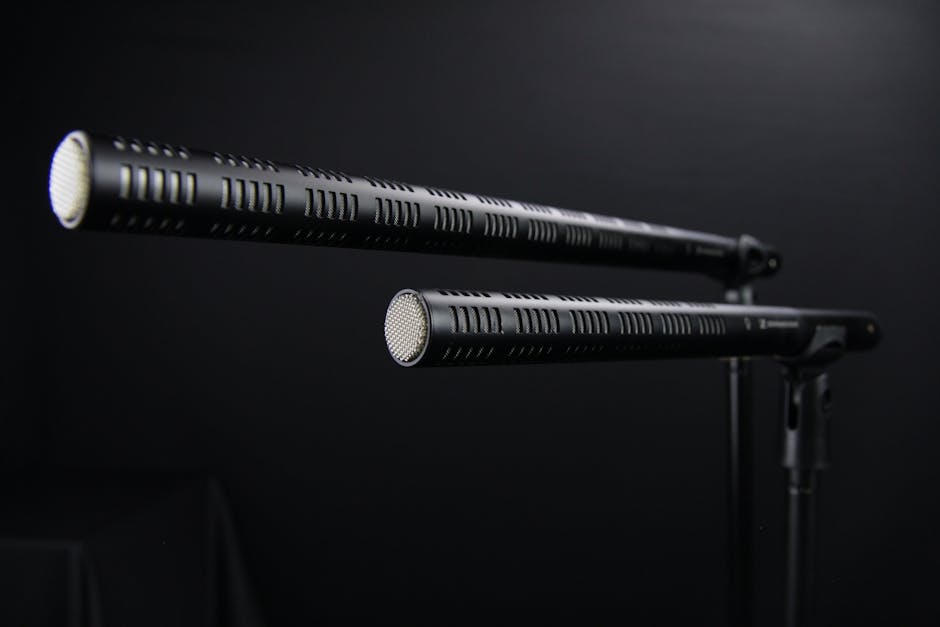
USB vs. XLR Microphones: Unpacking the Crucial Differences for Optimal Audio Capture
The quest for pristine audio often leads creators, musicians, podcasters, and streamers to a fundamental question: USB or XLR microphone? While both serve the primary purpose of capturing sound, their underlying technology, connectivity, and overall user experience differ significantly. Understanding these distinctions is paramount to selecting the right tool for your specific audio needs, ensuring not just a captured sound, but a high-quality, professional-grade recording. This in-depth exploration will dissect the core differences between USB and XLR microphones, guiding you towards informed decision-making.
The Fundamental Technology: Analog vs. Digital
At the heart of the USB vs. XLR debate lies their fundamental signal processing. XLR microphones operate on an analog principle. They convert sound waves into an electrical signal that is then transmitted through an XLR cable. This analog signal is raw and unprocessed, requiring an external device to convert it into a digital format that computers and recording software can understand. This external device is typically an audio interface or a mixer.
USB microphones, on the other hand, incorporate a digital pathway. They contain a built-in analog-to-digital converter (ADC) and preamplifier directly within the microphone itself. This means the microphone converts the analog sound waves into a digital signal before it leaves the microphone body and is transmitted via a USB cable to your computer. This integrated digital conversion is a key differentiator and influences many aspects of their functionality and ease of use.
Connectivity: The Physical Link to Your Device
The most immediately apparent difference lies in their connection methods.
XLR Microphones: These microphones utilize a robust, three-pin XLR connector. This connector is a standard in professional audio for its secure locking mechanism, ensuring a stable connection that is less prone to accidental disconnection. The analog signal is transmitted through a balanced cable, which helps to minimize interference and noise over longer cable runs. To connect an XLR microphone to a computer, you must use an intermediary device like an audio interface or mixer that provides an XLR input and an USB or Thunderbolt output to connect to your computer.
USB Microphones: As the name suggests, these microphones connect directly to your computer or compatible device via a USB cable (typically USB-A, USB-C, or Mini-USB). This direct connection eliminates the need for external audio interfaces or mixers for basic recording. The simplicity of plugging and playing is a major draw for many users.
Signal Chain and Required Equipment: The Workflow Impact
The choice between USB and XLR significantly impacts the required equipment and the overall signal chain.
XLR Microphones: The signal chain for an XLR microphone typically involves:
- Microphone: Captures sound and outputs an analog signal.
- XLR Cable: Transmits the analog signal from the microphone.
- Audio Interface/Mixer: Receives the analog signal, amplifies it with a microphone preamplifier, and converts it to a digital signal (via its own ADC). This device also provides phantom power if required by the microphone.
- Computer/Recording Device: Receives the digital signal from the audio interface/mixer via USB or Thunderbolt.
This multi-component setup offers greater flexibility and control but requires a larger initial investment and a more complex understanding of audio routing.
USB Microphones: The signal chain for a USB microphone is considerably simpler:
- Microphone: Captures sound, amplifies it internally, converts it to a digital signal (via its internal ADC), and outputs it.
- USB Cable: Transmits the digital signal directly to the computer.
- Computer/Recording Device: Receives the digital signal directly.
This streamlined approach makes USB microphones incredibly user-friendly, especially for beginners or those prioritizing quick setup.
Sound Quality and Professionalism: The Performance Factor
When discussing sound quality, generalizations can be misleading, but inherent characteristics of each type tend to favor specific applications.
XLR Microphones: Generally, XLR microphones are considered the professional standard for a reason. The ability to use high-quality external preamplifiers in audio interfaces and mixers allows for greater control over gain staging and a cleaner, more transparent signal path. Professional audio interfaces often feature superior ADCs and DACs (Digital-to-Analog Converters) compared to those built into USB microphones. This, combined with the robust nature of XLR connections and the potential for longer, higher-quality cable runs without significant signal degradation, contributes to the superior sound fidelity often associated with XLR setups. Furthermore, the vast majority of high-end and specialized microphones (condensers requiring phantom power, dynamic mics with intricate internal components) are exclusively XLR.
USB Microphones: While USB microphones have made significant strides in audio quality, they can sometimes be limited by the quality of their internal components, particularly the ADC and preamplifier. The integration of these components within a compact microphone body can lead to compromises in noise floor or dynamic range compared to a dedicated, high-end audio interface. However, for many applications, the audio quality of modern USB microphones is more than sufficient, offering a noticeable improvement over built-in computer microphones.
Phantom Power: The Requirement for Condenser Microphones
A critical technical difference relates to phantom power. Many high-quality condenser microphones require phantom power (typically +48V DC) to operate their internal circuitry.
XLR Microphones: Audio interfaces and mixers are designed to provide phantom power through their XLR inputs. This is a standard feature, allowing users to seamlessly connect and power condenser microphones.
USB Microphones: Some USB microphones, particularly those designed to emulate condenser microphones, also require phantom power. In these cases, the USB microphone will have a dedicated phantom power switch or it will be supplied via the USB connection itself (though this is less common for true +48V). However, many simpler USB microphones, especially dynamic types, do not require phantom power.
Cost and Accessibility: The Budgetary Consideration
The financial aspect is a significant factor for many users.
XLR Microphones: The initial investment for an XLR microphone setup can be higher. You’ll need to purchase the microphone itself, an XLR cable, and an audio interface or mixer. While budget-friendly audio interfaces exist, the combined cost can be substantial, especially if aiming for professional-grade components.
USB Microphones: USB microphones are generally more budget-friendly and accessible. The all-in-one nature of the device means you’re purchasing a single unit that plugs directly into your computer. This makes them an attractive option for individuals starting out or with limited budgets.
Versatility and Expandability: The Future-Proofing Factor
The extensibility of your audio setup is another important consideration.
XLR Microphones: The XLR ecosystem offers unparalleled versatility and expandability. With an audio interface or mixer, you can connect multiple XLR microphones simultaneously, allowing for multi-track recording of bands, ensembles, or interviews with several participants. You can also easily upgrade individual components – a better microphone, a superior audio interface, or different types of preamps – to enhance your audio quality over time. This modularity makes XLR setups ideal for long-term growth and complex audio production.
USB Microphones: USB microphones are generally less versatile in terms of expandability. While some offer multi-input capabilities, they are typically limited to a few USB inputs or specific daisy-chaining protocols. Adding multiple USB microphones to a single computer can sometimes lead to driver conflicts or performance issues. Upgrading usually means replacing the entire USB microphone unit.
Use Cases: Matching the Tool to the Task
The distinct characteristics of USB and XLR microphones lend themselves to different primary use cases.
USB Microphones are ideal for:
- Beginner Podcasters and Streamers: Their plug-and-play simplicity and affordability make them perfect for those just starting out.
- Home Recording (Solo Artists): For single-instrument recordings or voiceovers where complex multi-tracking isn’t a priority.
- Voiceovers and Narration: Delivering clear vocal recordings directly to a computer.
- Online Meetings and Communication: Providing a significant audio upgrade over built-in laptop microphones.
- Mobile Recording: Their portability and direct connection to laptops or tablets are convenient for on-the-go audio capture.
XLR Microphones are ideal for:
- Professional Music Production: Recording bands, acoustic instruments, and vocals in studio environments.
- Live Sound and Broadcasting: Their robustness and ability to handle high sound pressure levels are crucial.
- Advanced Podcasting and Streaming: For those who require multi-microphone setups, greater control over audio, and the highest possible fidelity.
- Field Recording: With appropriate portable recorders, XLR mics offer professional-grade audio capture in diverse environments.
- Cinematic Audio: Capturing dialogue and sound effects for film and video production.
- Any situation demanding the highest level of audio quality and control.
Noise and Interference: Signal Integrity Matters
The way each microphone type handles noise and interference is a critical factor in audio clarity.
XLR Microphones: The balanced nature of XLR cables, when used with good quality cables and equipment, is inherently resistant to electromagnetic interference (EMI) and radio frequency interference (RFI). This is crucial for maintaining a clean signal, especially in environments with a lot of electronic devices or over longer distances. The separate preamplification stage in an audio interface also allows for better gain staging, reducing the likelihood of introducing noise by overdriving the signal.
USB Microphones: While USB connections are generally well-shielded, the integrated nature of USB microphones means that any noise generated
