
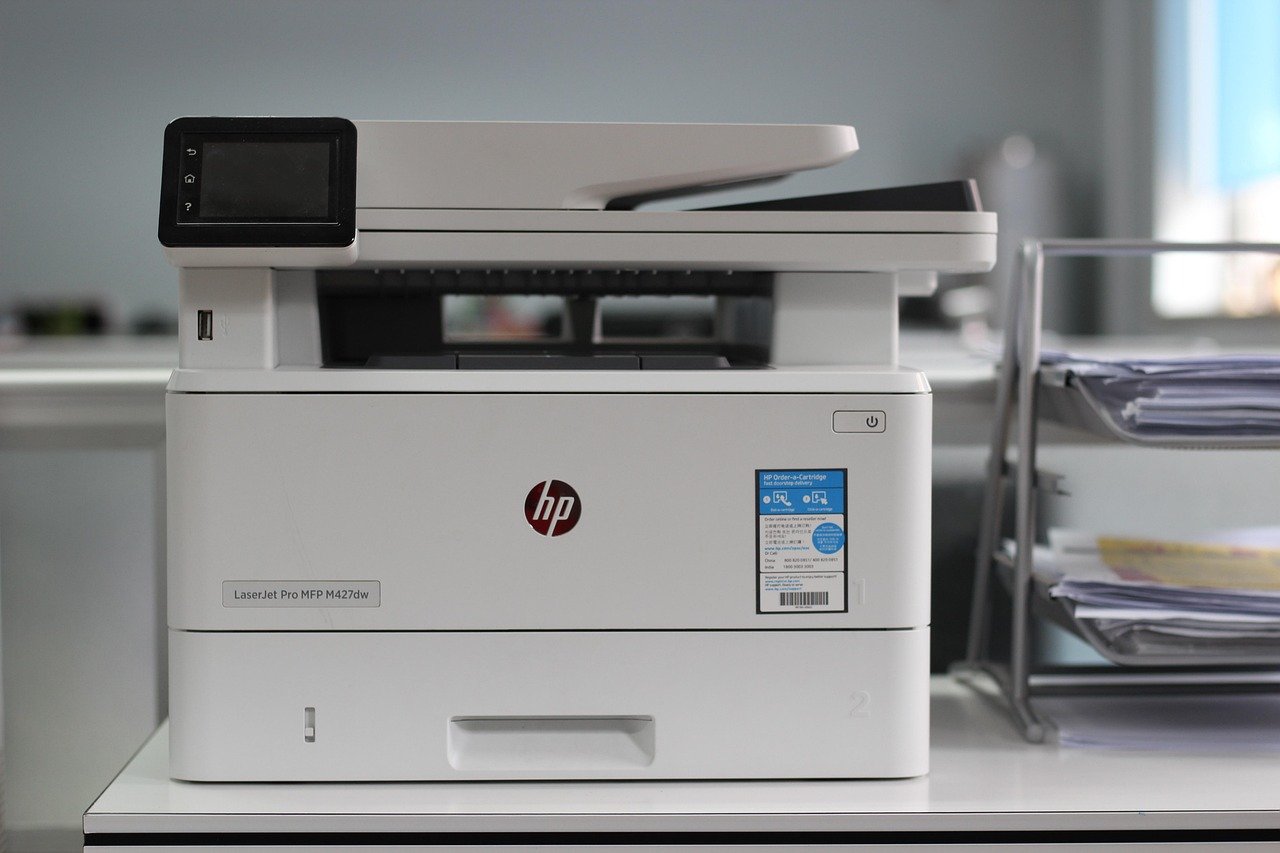
Mastering High-Volume Printing: Essential Workgroup Printers for Demanding Environments
In today’s fast-paced business world, efficient and reliable printing is not a luxury; it’s a necessity. For organizations that churn out significant document volumes, from detailed reports and marketing materials to legal briefs and financial statements, the right workgroup printer can be a game-changer. Choosing a printer that can handle high-volume demands without compromising speed, quality, or cost-effectiveness is paramount. This article delves into the critical considerations for high-volume printing needs and highlights the types of workgroup printers that rise to the challenge.
Understanding High-Volume Printing Demands:
Before diving into specific printer models, it’s crucial to accurately assess your organization’s printing requirements. This involves more than just a general estimate. Consider:
- Monthly Print Volume: This is the most fundamental metric. Track your current monthly output and project future needs based on business growth and new initiatives. High-volume typically starts at 5,000-10,000 pages per month and can extend to tens or even hundreds of thousands.
- Print Speed (Pages Per Minute – PPM): For high-volume environments, speed is of the essence. A printer with a higher PPM significantly reduces wait times, boosts productivity, and keeps workflows moving smoothly. Look for printers offering at least 30-50 PPM, with many high-volume models exceeding 60 PPM.
- Print Quality: High-volume printing doesn’t mean sacrificing quality. Whether it’s sharp text for reports, vibrant colors for marketing collateral, or precise detail for graphics, ensure the printer delivers consistent, professional-grade output. Resolution (DPI – dots per inch) is a key indicator here, with higher DPI translating to sharper images and text.
- Paper Handling Capabilities: High-volume printing often involves diverse paper types and sizes. Assess the printer’s standard paper capacity, its ability to handle various weights and finishes (e.g., cardstock, glossy paper, recycled paper), and the availability of optional high-capacity trays. Duplex printing (automatic double-sided printing) is also a must-have for reducing paper consumption and costs.
- Connectivity and Networking: Seamless integration into your existing network is vital. Look for robust networking options including Ethernet, Wi-Fi, and Wi-Fi Direct. Mobile printing support (e.g., Apple AirPrint, Mopria) is also increasingly important for flexible work environments.
- Durability and Reliability: A printer designed for high-volume use needs to be built to last. Consider the printer’s duty cycle (the maximum number of pages a printer can reliably produce per month) and the manufacturer’s reputation for reliability and build quality.
- Total Cost of Ownership (TCO): Beyond the initial purchase price, factor in ongoing costs like toner/ink cartridges, maintenance, energy consumption, and potential service contracts. High-yield cartridges and energy-efficient designs can significantly reduce TCO.
- Security Features: For sensitive documents, robust security features are non-negotiable. Look for options like secure print, user authentication, hard drive encryption, and network security protocols.
- Consumables Management: High-volume printing consumes consumables rapidly. Consider printers that offer high-yield toner or ink cartridges to minimize the frequency of replacements and reduce per-page costs. Automatic cartridge monitoring and alerts are also beneficial.
- Workflow Integration and Advanced Features: Many workgroup printers offer advanced features that can streamline workflows. These include:
- Automatic Document Feeder (ADF): Essential for efficient scanning, copying, and faxing of multi-page documents. Look for a high-capacity ADF for even greater efficiency.
- Finishing Options: For some high-volume needs, built-in finishing capabilities like stapling, collating, and hole-punching can save significant time and outsourcing costs.
- Cloud Integration: The ability to print directly from or scan to cloud storage services (e.g., Google Drive, Dropbox, OneDrive) can enhance collaboration and document management.
- Managed Print Services (MPS) Compatibility: If you plan to implement an MPS program, ensure the chosen printers are compatible with these solutions for centralized management, cost tracking, and automated supply replenishment.
Key Workgroup Printer Categories for High-Volume Needs:
When selecting a workgroup printer for high-volume demands, you’ll primarily be looking at multifunction printers (MFPs). These devices combine printing, copying, scanning, and often faxing into a single unit, offering a comprehensive solution for busy offices. Within the MFP category, the choice often comes down to laser printers versus inkjet printers.
1. High-Volume Monochrome Laser MFPs:
For organizations primarily printing text-heavy documents like reports, invoices, legal documents, and internal communications, monochrome (black and white) laser MFPs are the workhorses.
-
Strengths:
- Exceptional Speed: Laser technology is inherently faster for text-based printing. Many high-volume monochrome lasers boast PPM ratings of 50, 60, or even 70+.
- Lower Per-Page Cost: Toner cartridges are generally more cost-effective for high-volume black and white printing compared to ink.
- Sharp Text and Graphics: Laser printers deliver crisp, professional-looking text and solid black graphics.
- Durability and Reliability: Designed for demanding environments, they are built for continuous operation.
- High Duty Cycles: Typically have very high monthly duty cycles, capable of handling hundreds of thousands of pages.
- Large Paper Capacities: Often come with large standard paper trays and support optional expansion trays for massive print runs.
- Robust Security Features: Enterprise-grade security is common in this segment.
-
Ideal For: Law firms, accounting departments, administrative offices, government agencies, educational institutions, and any business where the majority of printing is text-based.
-
Key Features to Look For:
- PPM: 50+
- Monthly Duty Cycle: 100,000+ pages
- Standard Paper Capacity: 500+ sheets
- Optional High-Capacity Trays
- Duplex Printing
- High-Yield Toner Cartridges
- Fast Scan Speeds and High-Capacity ADF
- Advanced Network Security Protocols
2. High-Volume Color Laser MFPs:
When color is essential for marketing materials, presentations, proposals, or branding, color laser MFPs are the solution. They offer the speed and durability of laser technology combined with the ability to produce vibrant, professional-quality color prints.
-
Strengths:
- Vibrant Color Output: Produce high-quality color documents suitable for professional use.
- Speed: While generally slightly slower than monochrome counterparts, high-volume color lasers still offer impressive PPM ratings, often in the 30-50 PPM range for both color and mono.
- Versatility: Handle a wide range of document types, from text-heavy reports to full-color brochures.
- Durability: Built for demanding office environments.
- Cost-Effectiveness (for color): Despite higher initial costs than monochrome, the per-page cost for color printing is competitive for high volumes when compared to equivalent inkjet solutions.
- Advanced Paper Handling: Support for various paper stocks and sizes.
-
Ideal For: Marketing departments, sales teams, design agencies, businesses that create proposals and presentations, and any organization needing to produce professional color collateral.
-
Key Features to Look For:
- Color PPM: 30+
- Mono PPM: 30+
- Monthly Duty Cycle: 50,000+ pages
- High Resolution (DPI) for Sharp Color Graphics
- Support for Various Paper Types and Finishes
- Duplex Printing
- High-Capacity Color and Black Toner Cartridges
- Robust Scanning and Copying Capabilities
- Advanced Network Connectivity and Mobile Printing
3. High-Volume Inkjet MFPs (Business-Class):
While traditionally associated with lower volumes, modern business-class inkjet MFPs have evolved significantly and can now compete in certain high-volume scenarios, particularly where photo-quality color or specialized media handling is a priority.
-
Strengths:
- Exceptional Color and Photo Quality: Inkjets excel at producing vibrant, true-to-life colors and smooth gradients, making them ideal for photographic prints or detailed graphics.
- Lower Initial Cost (sometimes): Some high-volume inkjet MFPs can have a lower upfront purchase price than comparable color laser models.
- Wider Media Compatibility: Often better at handling a broader range of media types, including glossy photo paper, cardstock, and even fabric transfers.
- Lower Energy Consumption: Generally consume less power than laser printers.
-
Considerations for High Volume:
- Higher Per-Page Cost: Ink cartridges, especially for color, can be more expensive per page than toner for laser printers, particularly for text-heavy documents.
- Slower Print Speeds (typically): While improving, inkjets often lag behind lasers in pure PPM for text.
- Ink Drying Time: Can be a factor in very high-volume environments,