
The Unseen Bottleneck: Why Your Old USB Cable Might Be Slowing You Down
In our hyper-connected world, speed is paramount. From transferring massive video files to charging our essential devices, we expect seamless and rapid performance. Yet, a common culprit often lurks, unseen and underestimated: the humble USB cable. While we meticulously upgrade our smartphones, laptops, and external drives, the cables connecting them often languish in drawers, forgotten relics of a bygone era. This oversight can lead to frustratingly slow data transfers, agonizingly long charging times, and a general feeling of technological inertia. Understanding why your old USB cable might be slowing you down is crucial for unlocking the true potential of your modern hardware.
The primary reason for this slowdown lies in the evolution of USB standards. USB, or Universal Serial Bus, has undergone significant advancements since its inception. Each new generation brought increased speeds, improved power delivery, and enhanced functionality. The most prominent leaps have been from USB 1.0 (1.5 Mbps) and USB 1.1 (12 Mbps) to USB 2.0 (480 Mbps), USB 3.0 (now USB 3.2 Gen 1, 5 Gbps), USB 3.1 (now USB 3.2 Gen 2, 10 Gbps), and the latest, USB 3.2 Gen 2×2 (20 Gbps), and USB4 (up to 40 Gbps and beyond). An older cable, designed for a slower standard, simply cannot accommodate the data throughput of a modern device. Imagine trying to pour a gallon of water through a straw; the bottleneck is undeniable.
Beyond raw speed, the physical construction of USB cables plays a vital role. High-quality cables designed for newer USB standards feature thicker gauge wires, better shielding, and more sophisticated internal circuitry. Thicker wires offer less resistance to electrical current, allowing for faster data transmission and more efficient power delivery. Poorly shielded cables are susceptible to electromagnetic interference (EMI) from nearby electronics, which can corrupt data signals, leading to retransmissions and significantly reduced transfer speeds. Older cables often lack the robust shielding necessary to combat modern electronic environments, especially in densely packed desks or offices.
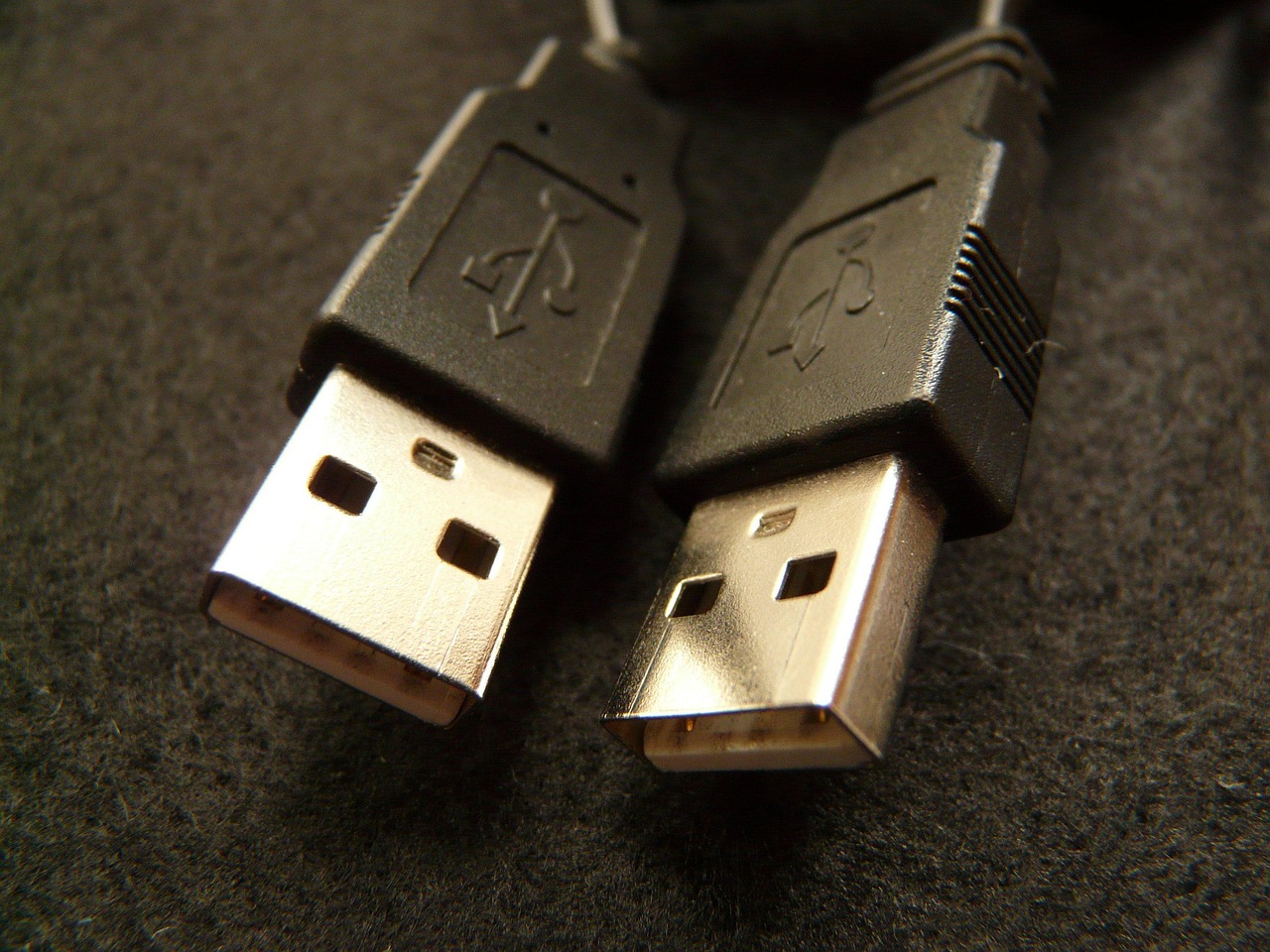
The connectors themselves also matter. While the familiar rectangular USB-A connector has been a staple, newer standards utilize smaller, reversible connectors like USB-C. However, even within the same connector type, the internal pin configuration and quality can vary. A cable designed for USB 2.0, even if it has a USB-C connector, will be limited to USB 2.0 speeds. The internal wiring dictates the maximum data lanes and signaling capabilities, and an older cable simply won’t have the necessary pathways for high-speed data. Furthermore, wear and tear on connectors can degrade signal integrity, even on otherwise capable cables. Loose connections, bent pins, or corroded contacts can all contribute to intermittent connectivity and reduced performance.
Power delivery is another critical area where old cables falter. Modern devices, especially smartphones and tablets, are designed to take advantage of fast-charging technologies like USB Power Delivery (USB PD) and Qualcomm Quick Charge. These technologies require cables that can handle higher amperages and voltages. An old USB cable, designed for the meager power output of earlier USB standards, will either not support fast charging at all or will significantly limit the charging speed. This means your cutting-edge smartphone might be charging at the pace of a device from a decade ago, purely because of the cable connecting it to the power source. This can be particularly frustrating when you need a quick power boost.
The length of a USB cable can also impact performance, especially with older or lower-quality cables. As the length of a cable increases, so does the signal degradation. For high-speed data transfer, longer cables are more susceptible to interference and resistance, which can lead to dropped connections or reduced speeds. While modern, high-quality cables are better engineered to maintain signal integrity over longer distances, older cables are far more prone to this issue. If you’re using a lengthy cable to connect a high-speed external SSD, a long, old cable is a prime candidate for the performance bottleneck.
The materials used in cable construction are also a factor. High-quality cables often utilize oxygen-free copper (OFC) for their internal wiring, which offers superior conductivity and lower resistance compared to standard copper. The insulation and jacketing materials also contribute to durability and shielding. Older cables might use less durable plastics and inferior insulation, making them more prone to damage and signal degradation over time. A cable that feels flimsy or has a thin rubber coating is likely not built for the demands of modern data transfer.
The subtle difference in the number of pins within a USB connector can also be telling. For example, a USB 2.0 cable typically has four pins, while a USB 3.0 cable has nine pins, with the additional five dedicated to high-speed data transfer. If you have a USB 3.0 device and are using a cable that only has the physical connector but lacks the internal wiring for USB 3.0 speeds, you’ll be stuck with USB 2.0 performance. Visually identifying this can be tricky without knowing the specific cable specifications, but the performance difference is often stark.
Finally, the sheer age of a cable can contribute to its decline. Over time, the internal wires can become fatigued, insulation can crack, and connectors can oxidize. Even if a cable was once top-of-the-line, its performance will inevitably degrade with age and use. The repeated bending, plugging, and unplugging can stress the internal connections, leading to increased resistance and signal loss. This gradual deterioration often goes unnoticed until a new device or task highlights the existing limitations.
In conclusion, while the sleek design of your new gadget might be impressive, its performance is intrinsically linked to the cables connecting it. An old USB cable, designed for a slower era of technology, is a significant impediment to realizing the full speed and power of your modern devices. Investing in high-quality, up-to-date USB cables is not merely a matter of aesthetics; it’s a fundamental step towards optimizing your digital workflow, ensuring rapid data transfers, and enjoying the full benefits of your technological investments. Don’t let an outdated cable hold your digital life hostage.